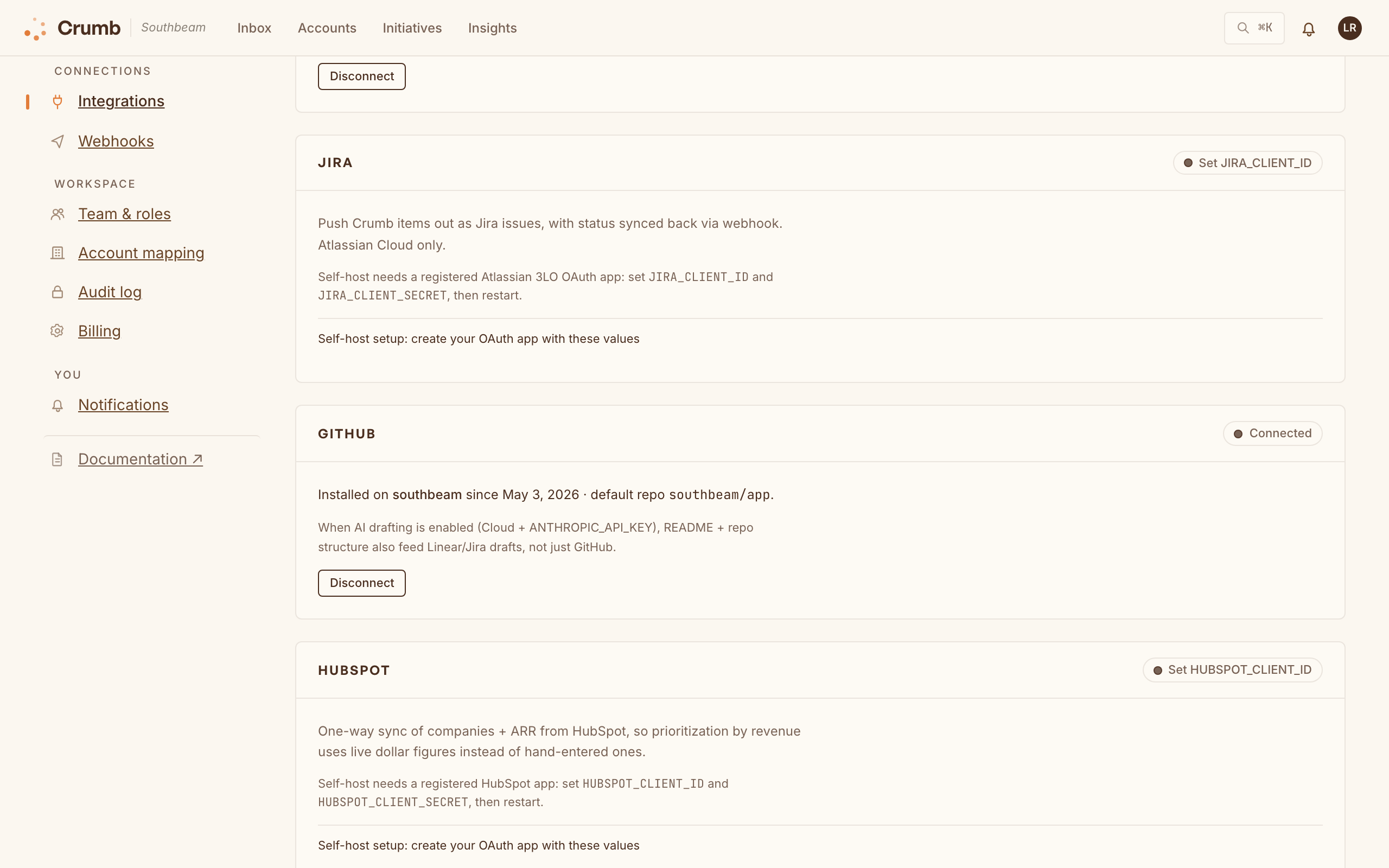
Crumb plays nicely with the tools you already live in. On Crumb Cloud, the Team plan and up unlocks Linear, Jira, GitHub, Slack, HubSpot, Salesforce, and the feedback connectors, most of them in one click; Microsoft Teams, email, and webhooks work on every plan. Self-hosting? Register your own OAuth apps (or paste API keys, for the feedback connectors) and there's no plan to buy.
| Tool | What it does |
|---|---|
| Linear / Jira / GitHub | Push items out as tickets (with an AI draft on Team and up), and engineering status reads back into Crumb. The sync runs one way: Crumb doesn't push its own status changes to the tracker. |
| Slack | DM the right teammate on replies, file feedback with /crumb, and @mention the bot on a message for an instant sizing reply (that one uses AI). |
| Microsoft Teams | Post new submissions, customer replies, and status changes to a Teams channel through an incoming webhook. Channel posts only, no DMs. |
| HubSpot / Salesforce | One-way sync of accounts and ARR into Crumb, so triage is revenue-aware (see Triage by revenue). |
| Zendesk / Intercom / Freshdesk / Gong / Freshchat | Pull feedback from support tickets, chats, and Gong calls. On Cloud, AI adds the new and relevant ones for you; self-hosted, each one waits in Needs triage. Freshchat support is still basic. |
| Email & webhooks | Forward email into Needs triage, let customers answer by replying to notification emails, and send signed webhook events (new requests, status changes, replies, tracker updates, and more) to your own endpoints, each picking the events it gets. |
Your customers can plug in too: an account admin can send their account's updates to their own Slack or Teams channel from inside the widget.